Import Distribution from Excel
28 March 2025
1 min read

Johnny Vik
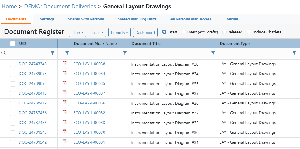
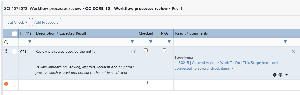
With the new Import Distribution feature in the Distribution Overview module, you can now update distributions in bulk using Excel. Here’s how it works:
- In Distribution Overview, select the documents to update distribution for
- Click Distribution Import → Download Template for Selected Documents.
- The downloaded Excel file includes documents as rows and team members as columns.
- Fill in the matrix using standard distribution codes (e.g.,
Ifor Information,Rfor Review). - Upload the completed file via Distribution Import → Import Distribution to instantly update the distribution matrix in Omega 365.
This approach can in many cases be an efficient way of setting up the distribution for your documents.
.png?scale=thumbnail)