BOQ - New grid layout
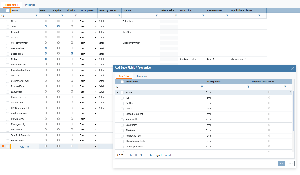
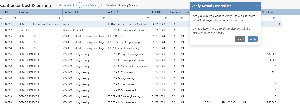
We have implemented an update to the BOQ grid layout to make the status of BOQ easier to understand at a glance.
Previously, the grid exposed several technical bitfields used to represent the current state of a BOQ actual. These fields were useful for logic and validation, but less suitable for day-to-day user interaction in the grid. With this update, those fields are now hidden by default and replaced by a new Status field that presents the current state through a single icon with a tooltip.
What has changed
1. Technical bitfields are hidden by default
The following existing bitfields are now hidden from the BOQ grid by default:
CONC – Contractor creating/updating BOQ actuals
CLIV – Client verifying/rejecting BOQ actuals
CBV – Current BOQ actual verified
CBR – Current BOQ actual rejected
CBF – Current BOQ actual is final
Finished – BOQ finished when a final BOQ actual has been verified
2. New Status field added to the grid
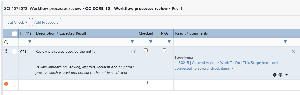
A new Status field has been introduced to replace the visible use of the bitfields in the grid.
The field displays an icon only
A tooltip appears on hover to explain the status. The filter will also show the status-text.
Status mapping
The new Status field reflects the BOQ actual’s current state based on the existing bitfield logic:
Status | Condition | Tooltip | Icon |
|---|---|---|---|
Draft / In Progress (Contractor) |
| Under preparation by Contractor | ✏️ |
Submitted / Awaiting Verification |
| Awaiting Client verification | ⏳ |
Verified (Ongoing) |
| Verified BOQ Actual | ✅ |
Rejected |
| Rejected by Client | ❌ |
Final Verified |
| Final Verified BOQ | 🏴 |
Final Rejected |
| Final Rejected BOQ | 🚫 |
.png?scale=thumbnail)