Identify risk with help from AI
11 February 2025
1 min read
To identify risks using the AI features in Omega 365 follow these steps (note that AI has to be enabled on the Omega 365 instance - contact your support team if you don't have):
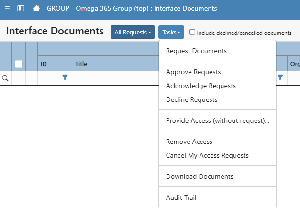
- Select the "AI Assistant" from the "Tasks" menu
- Select the "Generation" mode
- Ask AI to suggest potential risks, e.g. "what are the risks that can impact cost and installation of a major steel construction"
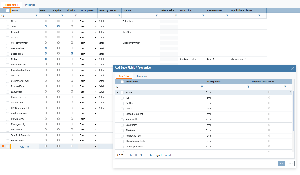
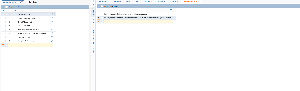
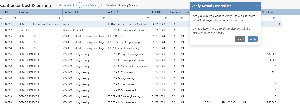
- A table will be generated with possible risks
- Tick those that you want to have registered
- Click Add Selected Risks
Read more about how AI can support the Risk Management process in this blog post: AI Powered Risk Management