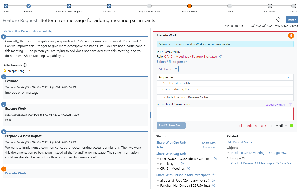
Risk Management fields configuration
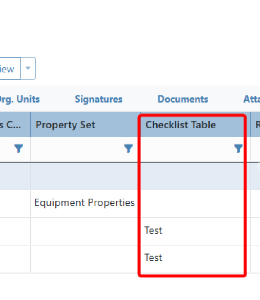
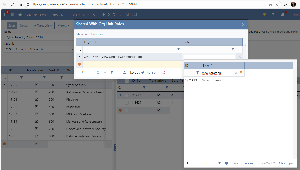
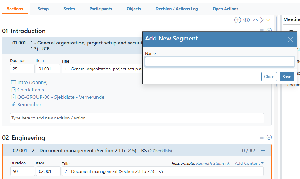
A full control of fields for Risk Details is being introduced. It is now possible to do fields configuration both for Base fields and Properties, place them in different UI Component (Form or PropertyGrid). Each field can be configured to specify Width, Default value, Required criteria, Group by header, Sort order, Input Editors and Caption. It is also possible to indicate which fields need to be displayed in the Add New risk form.
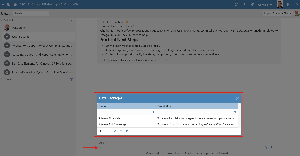
Fields placed in the form UI component allow users to easily track what has been changed and can be accessed by right-clicking a field and selecting “View change history.”
Field Configuration feature is controlled through the EnableRiskUncertaintiesFieldsConfig site configuration setting. When this setting is on, Fields Config tab can be found via Omega 365 Setup > Risk properties app. Implementers should ensure that the field configurations is in place before turning this on.
.png?scale=thumbnail)
.png?scale=thumbnail)