Risk Matrix Setup by Org Unit
31 March 2025
1 min read

Johnny Vik
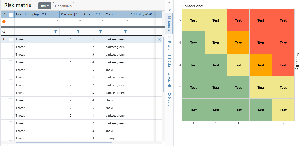
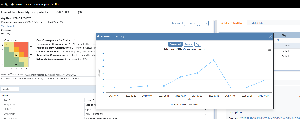
In Omega 365, the Risk Matrix setup is shared across all projects by default — a great way to ensure consistency throughout the organization.
But sometimes, a project or department might need a tailored approach. That’s now possible. You can define a specific Risk Matrix setup for any level in your organizational structure.
Once configured, all units below that level will automatically inherit the new setup.
Here’s how to get started:
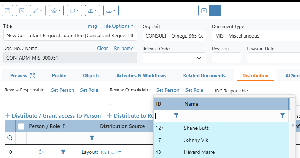
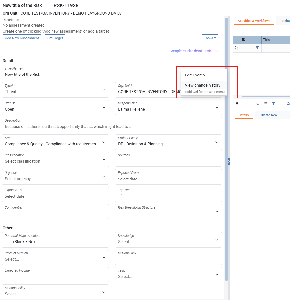
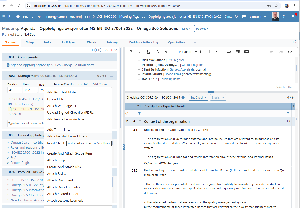
Open the Risk Matrix Setup app
Click View Risk Matrix Setup by Org Unit
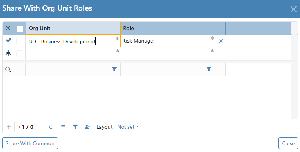
Select the Org Unit you want to define the matrix for
The new configuration will now apply to all underlying units.
.png?scale=thumbnail)