Improved support for Check Lists in Activities
In Activities, users can now add and manage multiple checklists within sections, similar to other attachments, with options to move them between sections.
12 February 2025
1 min read
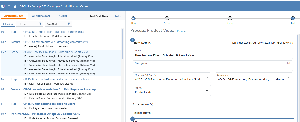
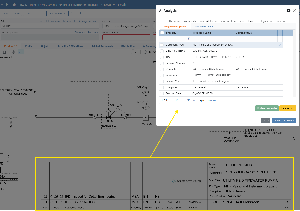
In Activities, one can now add multiple checklists to a section in the activity. The checklists are now attached to a section in a similar way as other attachements (files, web references, ToDo lists etc), and they can moved between sections.
To add a checklist to a section follow this steps:
- Click on "Add Content"
- Select "Add Checklist from Library"
or
Select "Input Check Items" to create an "ad-hoc" checklist specific for this section. - If the checklist contained a procedure, it will be shown on top. If not, it is possible to click "Add Procedure" and then describe the procedure.
.png?scale=thumbnail)

.png?scale=thumbnail)