Improving Review of Word Documents
A new Native Review option in Omega 365 allows users to review Word documents directly in Microsoft Word, utilizing tools like track changes and commenting for a streamlined process.

A new option is now available for reviewing Word documents in Omega 365. Users can choose Native Review to work directly in Microsoft Word using familiar tools like track changes and commenting.
Here’s how it works:
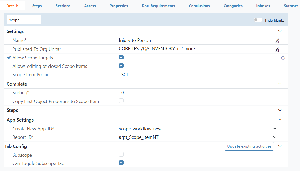
Make sure the org unit is configured to use the latest review setup (Apryse).
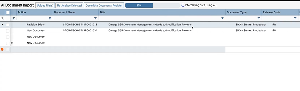
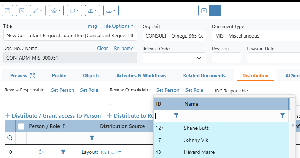
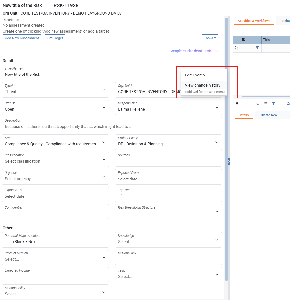
When initiating a review, click Initiate Review and select “Native” as the Review Type:
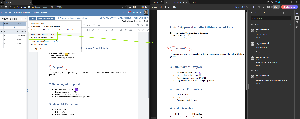
Reviewers open the document in Word, where they can add comments and track changes.
All comments are saved in the Omega 365 database, similar to PDF reviews.
The review responsible can consolidate and finalize the review in the same way as for PDF documents.
When the review is finalized, the originator can access the marked-up version as a separate file. The original document remains unchanged.
This provides an alternative way to review Word documents, making both the review process and the originator’s follow-up more efficient.


.png?scale=thumbnail)