BOQ - Improved handling of contract quantity changes
We have implemented an update to BOQ to improve how contract quantity changes are registered, controlled, and displayed.
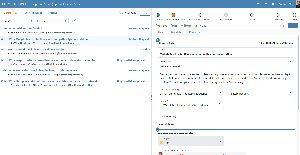
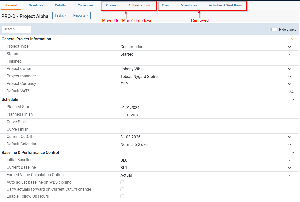
A new change history is now available on each BOQ line, making it possible to follow the full sequence of quantity changes from the original contract baseline through to the latest registered update. This gives users a clearer audit trail and better visibility of how the current contract quantity has been established over time.
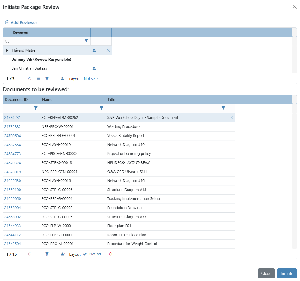
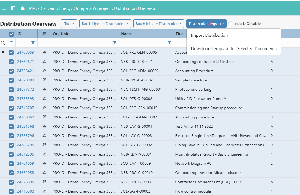
The new BOQ change process uses the same batch functionality that is already used for BOQ Actuals reporting. To support the verification steps for BOQ Changes, two new capabilities have been introduced:
Can Send BOQ Changes For Verification
Can Verify BOQ Changes
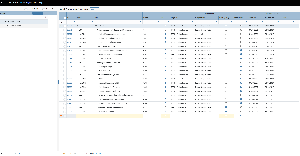
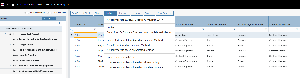
In addition, the BOQ grid has been updated to present contract quantities and contract values more clearly through grouped columns for Original, Change, and Current. This makes it easier to understand both the contractual baseline and the effect of changes directly in the grid.
Previously, the capability Can Edit Contract Qty in BOQ was used to restrict direct updates to the Qty field in BOQ. This capability has now been expanded to also include Unit Price. This means it is now possible to control both the Qty field and the Unit Price field in BOQ by deciding which roles should have this capability.
This change makes it easier to manage updates through the new BOQ Changes functionality instead of editing Qty directly in BOQ, which could otherwise make it difficult to retain visibility of the Original Contract Qty and the full change history.