WBS Cost & Progress – Updating Values
WBS Cost & Progress – Updating Values
In WBS Cost & Progress, values such as Booked, Committed, Actual Cost, Actual Progress, and Forecast at Completion have traditionally been updated using multiple methods.
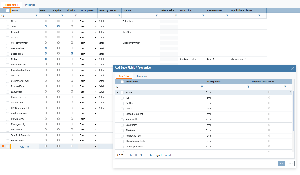
Previously, if you wanted to use different update methods for different WBS elements, you first had to filter the WBS and then update values via “Update Values From” or “Tasks”, selecting the appropriate option each time.
What’s new
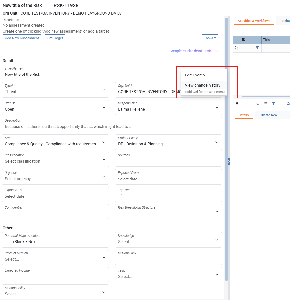
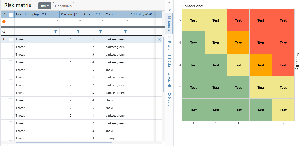
We have simplified this process by introducing update methods that are defined directly on the WBS.
The following methods can now be configured per WBS:
Forecast – e.g. Trend / Current CPI
Committed – e.g. Contract Elements / Purchase Orders
Actual Cost – e.g. Contractor Reporting / Order Items
Actual Progress – e.g. Activities (Cost) / Contractor Reporting
Why this matters
By storing update methods on the WBS, the user interface can now provide simple actions such as:
“Update Actual Cost based on Selected Method”
The system will automatically apply the defined method for each WBS and update values accordingly. The same logic applies to Forecast, Committed, and Actual Progress.
This removes the need for filtering and manual method selection, making updates faster, more consistent, and less error-prone.
UI change and availability
This is a significant UI change, so it is controlled by a client-specific configuration setting:
New clients: the new UI is enabled by default
Existing clients: the new UI can be enabled when desired
.png?scale=thumbnail)