Configure Responsibilities in the Digital Twin
We are launching a feature to automate responsibility assignments in cases, enabling users to configure tasks based on Digital Twin objects for streamlined and efficient case management.
We have introduced a new feature to automate responsibility assignments when creating cases. This enhancement allows users to configure responsibilities based on objects in the Digital Twin (Asset Objects).
With this setup, users can define responsibility assignments for specific cases. For example:
- Issues related to electrical equipment in any room can be automatically assigned to the electrical department in the operations team.
- Cleaning tasks can be routed directly to the cleaning department based on room assignments.
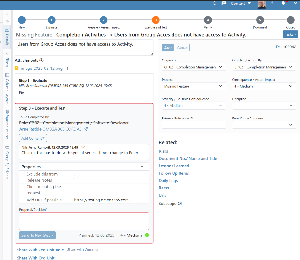
To streamline the configuration process, we have implemented a setup similar to the DFO (Documentation for Operations) requirements system. Users can:
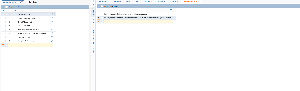
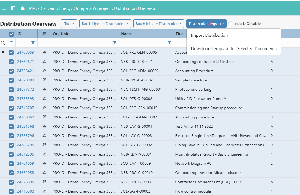
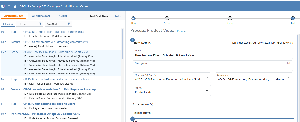
- Define a Process and an Organizational Unit in a configuration table.
- Apply a filter to Asset Objects (e.g., all rooms in a specific building).
- Once configured, responsibility assignments will be automated based on the predefined rules.
This functionality ensures a structured and efficient approach to assigning responsibilities, reducing manual work and improving case management within the Digital Twin environment.
.png?scale=thumbnail)
.png?scale=thumbnail)
.png?scale=thumbnail)