Extract meta data from drawings
Meta data from drawings can now be extracted using AI-powered features, streamlining the identification of key document attributes like Document Number, Type, and Revision.
5 February 2025
1 min read
Meta data on the drawings can be extracted from drawings by using our new AI powered features.
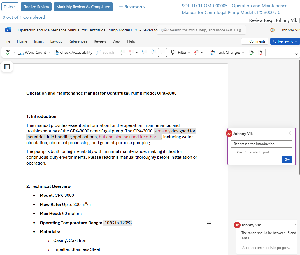
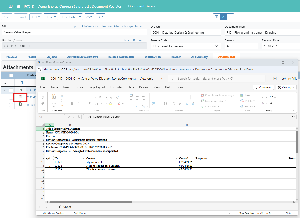
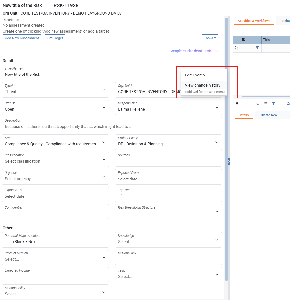
- Open the AI Analysis application from the Document details application
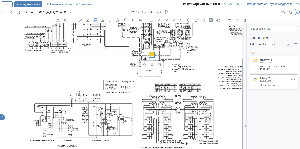
- Select the number of pages, if more than 1 and if the drawing contains tables
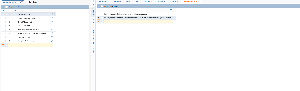
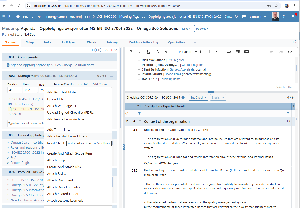
- The AI analysis service will extract and analyze the drawing and suggest meta data based
- Key Document attributes like Document Number, Type, Revision, Release Code, Discipline is identified
- Select all attributes which you want to apply to the Document and select "Update properties"
.png?scale=thumbnail)
.png?scale=thumbnail)