Review of Attachments
30 September 2025
1 min read
We’ve expanded the document review feature to also support attached files.
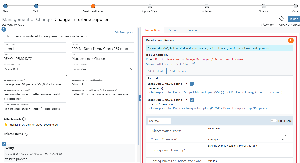
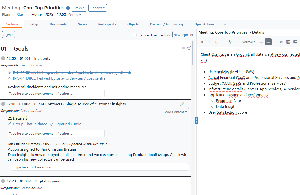
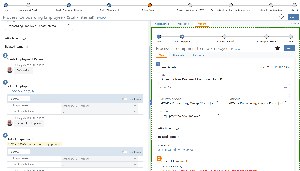
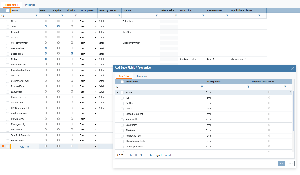
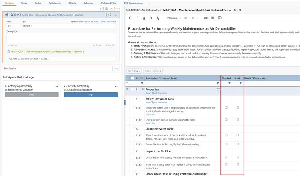
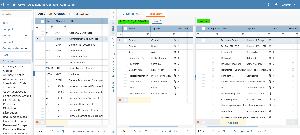
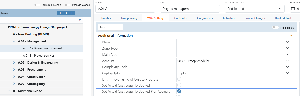
You can enable this by turning on “Use for Review” for relevant files in the attachments tab before the review starts, or in Files to Review if the review is already ongoing. Once enabled, you can easily choose which files to comment on via a dropdown menu.
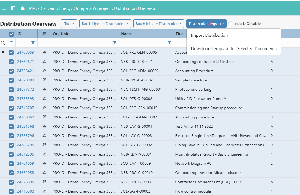
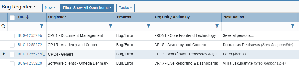
In the comment list, the file name is now shown in a dedicated column when multiple files are included in the review—making it clear which file each comment belongs to.
.png?scale=thumbnail)