Distribute documents for review, approval to roles

You can now distribute documents for review, verification, and approval based on roles. If multiple users share the same role and rotate responsibilities, the system allows assigning the role itself (e.g., "Site Cost Controller") rather than selecting individual users each time. This ensures that whoever is available in that role at the time will receive the document for review, streamlining the process without manual reassignment.
How to use roles:
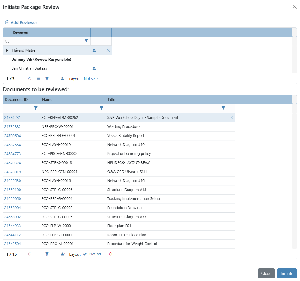
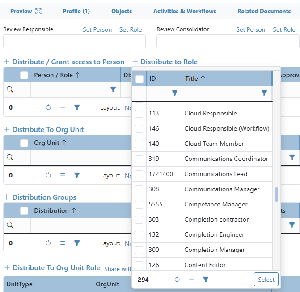
Click on the "+ Distribute to Role" option
Select the Role
Repeat, if you want to distribute to multiple roles
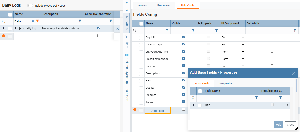
To use a role for Review Responsible, click on "Set Role" to the right of "Review Responsible"
If any of the members of the role has completed their action, it will not appear on any of the members pending action. For the review process, all will still be allowed to provide comments until the review is finalized.
.png?scale=thumbnail)