Resize Risk Matrix - New Size Options
8 April 2025
1 min read
You can now choose X-Large and Full Screen views in the Risk Matrix – perfect for workshops, reviews, or when you just need a better overview.
How it works:
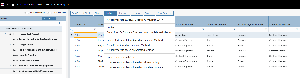
- From the Risk Register, click 'View Matrix' under 'Tasks'
- Click Matrix Size and select among any of the available sizes, inlcuding the new options: X-Large or Full Screen