Improved Workflow App
The Workflow app in Omega 365 has been updated with a cleaner layout and useful improvements that make workflows easier to use and adapt to different needs.
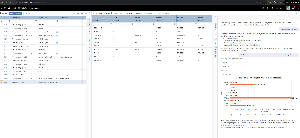
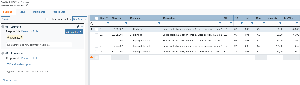
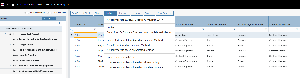
The workflow details section has been moved to the top (under “1”), and on the right side, you’ll now find three tab pages:
- Current step is displayed in the first tab so you can quickly see where you are in the process without scrolling.
- Settings, which includes the basic information about the workflow and the sharing/access information, is shown in the second tab page. If you have sufficient access, you can edit directly from here.
- Preview shows the any attachments selected. This tab page will automatically be opened when selecting a file
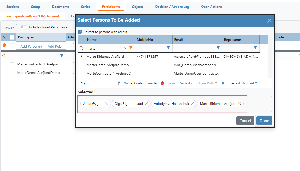
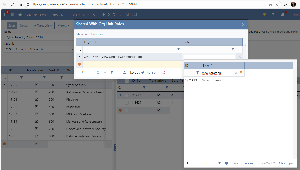
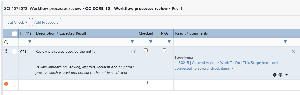
And: An important new feature is the support for adding different types of configurable content. Depending on the workflow setup, this can include material lists, risks, shared folders, and more. This gives the opportunity to tailor workflows more closely to actual work processes.
These updates aim to make the workflow experience in Omega 365 more intuitive, flexible, and provide a more practical user interface.
.png?scale=thumbnail)
.webp?scale=thumbnail)