Configure Messages for Workflow Steps
4 May 2026
1 min read
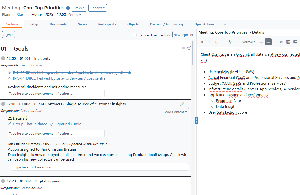
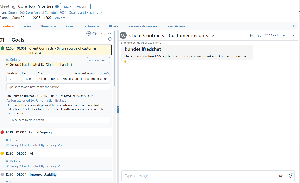
When configuring a workflow step, one or more message templates can be assigned. Each template defines a standardized email that can be sent as part of the workflow step.
Configured templates are accessible from the step's content menu, where they can be reviewed and sent as needed. Multiple templates can be configured per step, providing flexibility where different recipients or message types are required. All sent messages are automatically recorded in the step's journal, giving full traceability and an audit trail of all communications.
.png?scale=thumbnail)
.png?scale=thumbnail)

.png?scale=thumbnail)