Live Chat in sidebar!
20 February 2026
1 min read
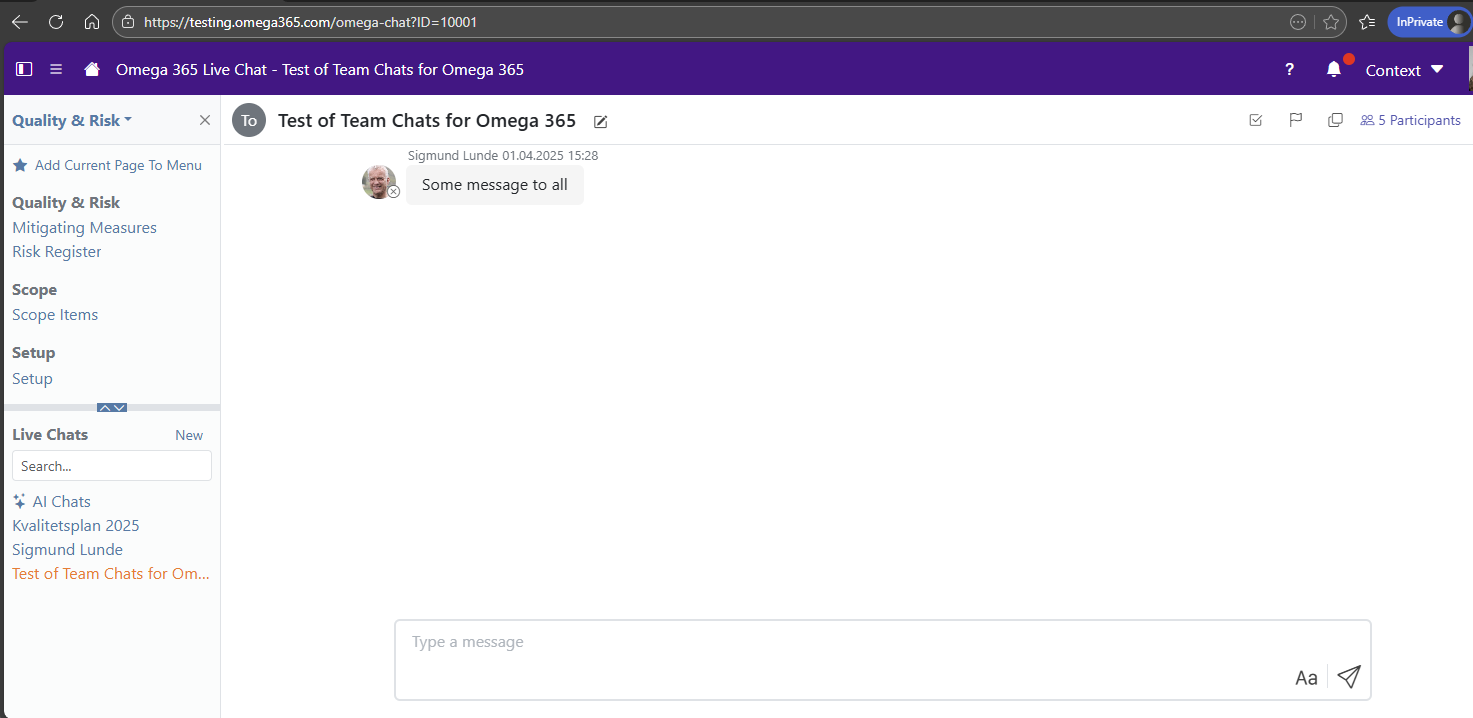
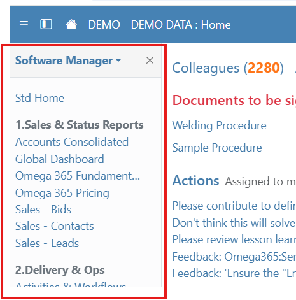
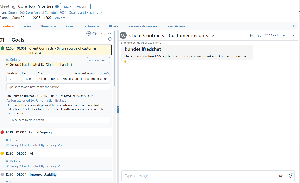
We have moved the Omega Live-Chat from the top toolbar into the sidebar.
This provides a more unified and structured chat experience, where both live chats and AI chats are accessible in one place.
At the same time, we have introduced a dedicated AI Chats app, available at the top of the chat list. From there, you can open the Support Assistant and access other AI conversations via the right-hand navigation menu.
The chat icon has been removed from the top toolbar and new messages are now indicated in the sidebar icon.
Please note: Live chats will now be visible in the sidebar for all users. Access to AI functionality remains controlled by the existing AI settings.
.jpg?scale=thumbnail)